
Now that you have created the knowledge corpus for the AI to work with, we can start asking the AI questions about your aircraft.
Treat the AI as a machine. It is a machine. There is no reason to be polite, it just wastes resources — Alan Altman
The sample queries page is here
Tools
How we get AD data to the AI:
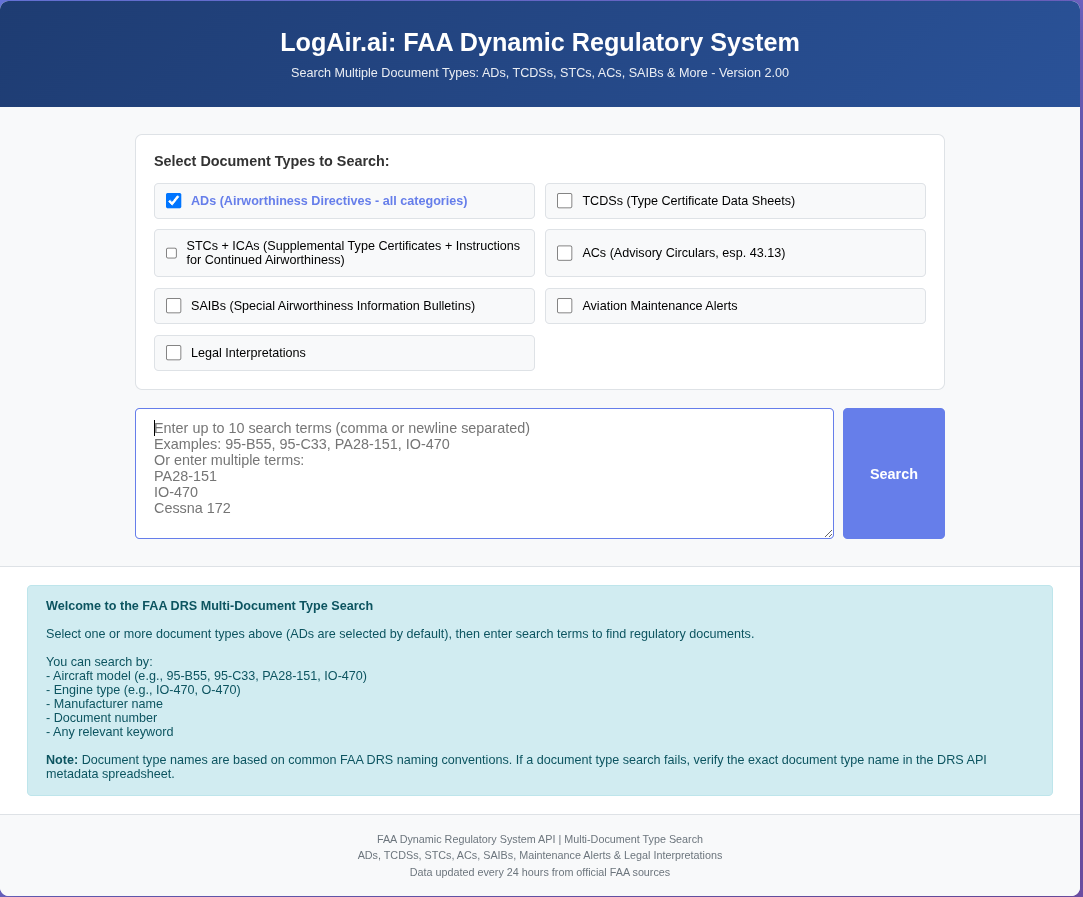
This is the FAA Dynamic Regulatory System (DRS) agent. Similar in function to the Federal Register agent, the DRS uses user input to get all the AD data that matches the string. This file is then download as text and loaded manually into the RAG-AI corpus Source Window.
This agent goes to the Federal Register and with the user’s input string, fectches a text file with all applicable ADs. That file is then loaded into the RAG-AI corpus:
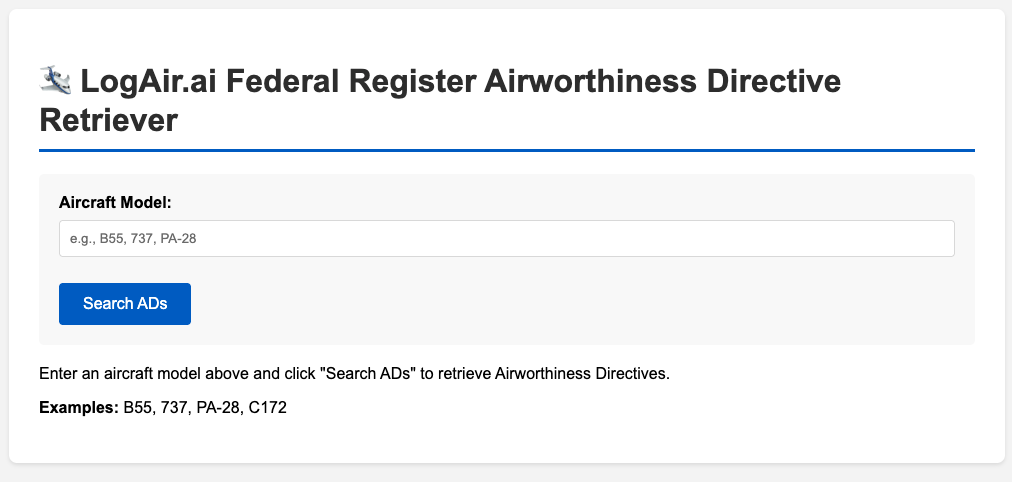
Yes, there is duplication, but the AI will sort it out. We want to make sure we have all the data. Both of these agents produce the search string to use manually, if required.
Bi-Weekly AD reports
With your LogAir.ai subscription, we automatically set up a bi-weekly report on new ADs. The ADs will typically reference your airframe, engine(s), and propeller(s). If there are other items, like some STCs, you want in this report just get in touch with us at contact@logair.ai.
The results of this report are presented on the Essentials Page you see when you logon.